What Is Google Flow Music Spaces?
Google Flow Music Spaces is part of Google’s AI music platform. In its official Spaces guide, Google describes Spaces as shareable creative tools for building musical instruments, games, experiences, plugins, and more. Google documents song generation and editing in a separate songs guide, and it documents video creation in its music videos guide. According to Digital Trends, the July update brings these and other creative tools directly into a Space.
New Features in the All-in-One Studio Update
The July 2026 update introduces several new capabilities:
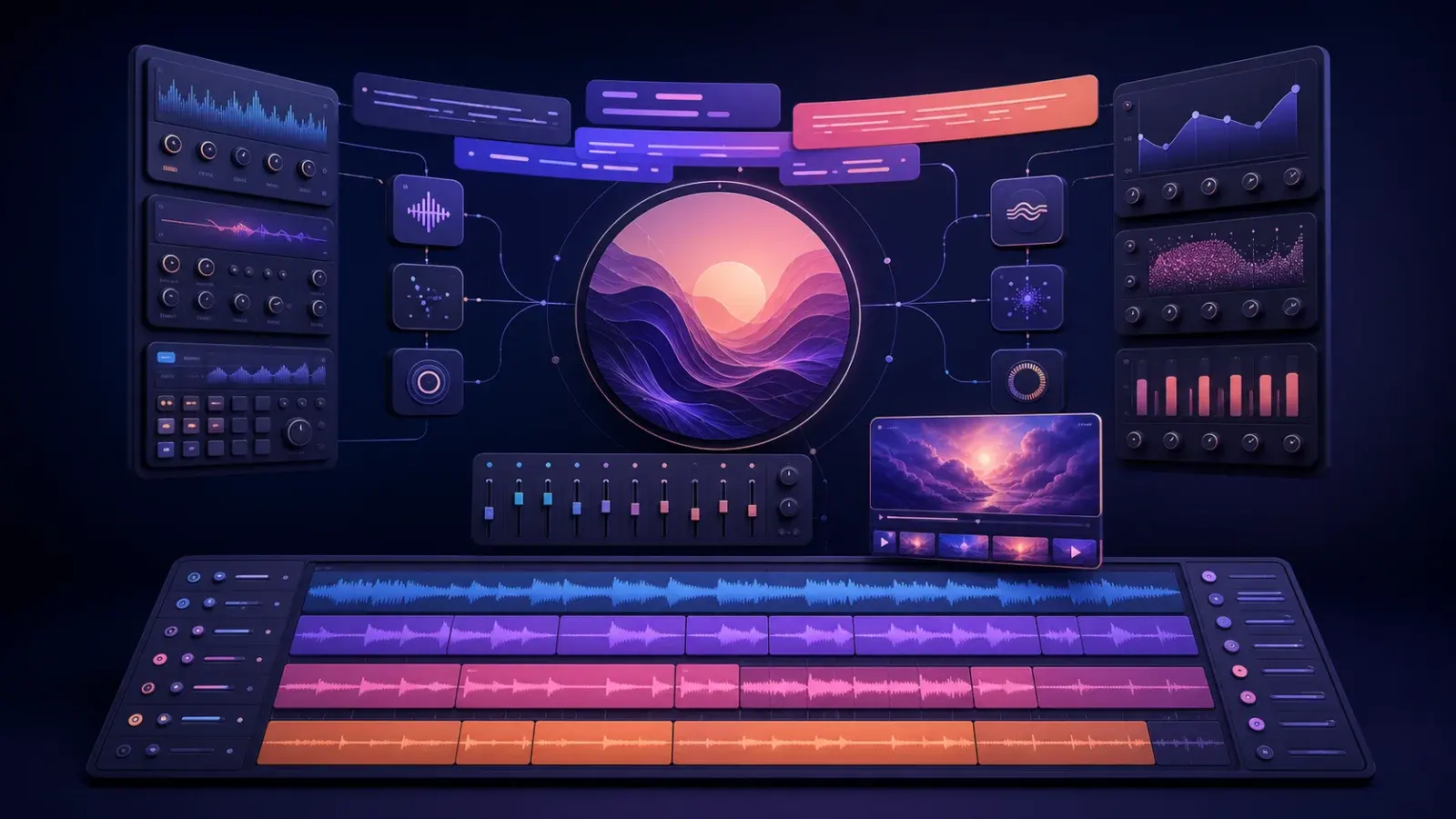
Song Editing Tools: Users can generate and edit songs using Cover, Replace, and Extend tools.
Stem Splitting: Audio stems can be split into individual tracks for more granular editing.
Image Generation: AI-powered image creation is now available within Spaces.
Lyric Generation: Users can generate lyrics using AI prompts.
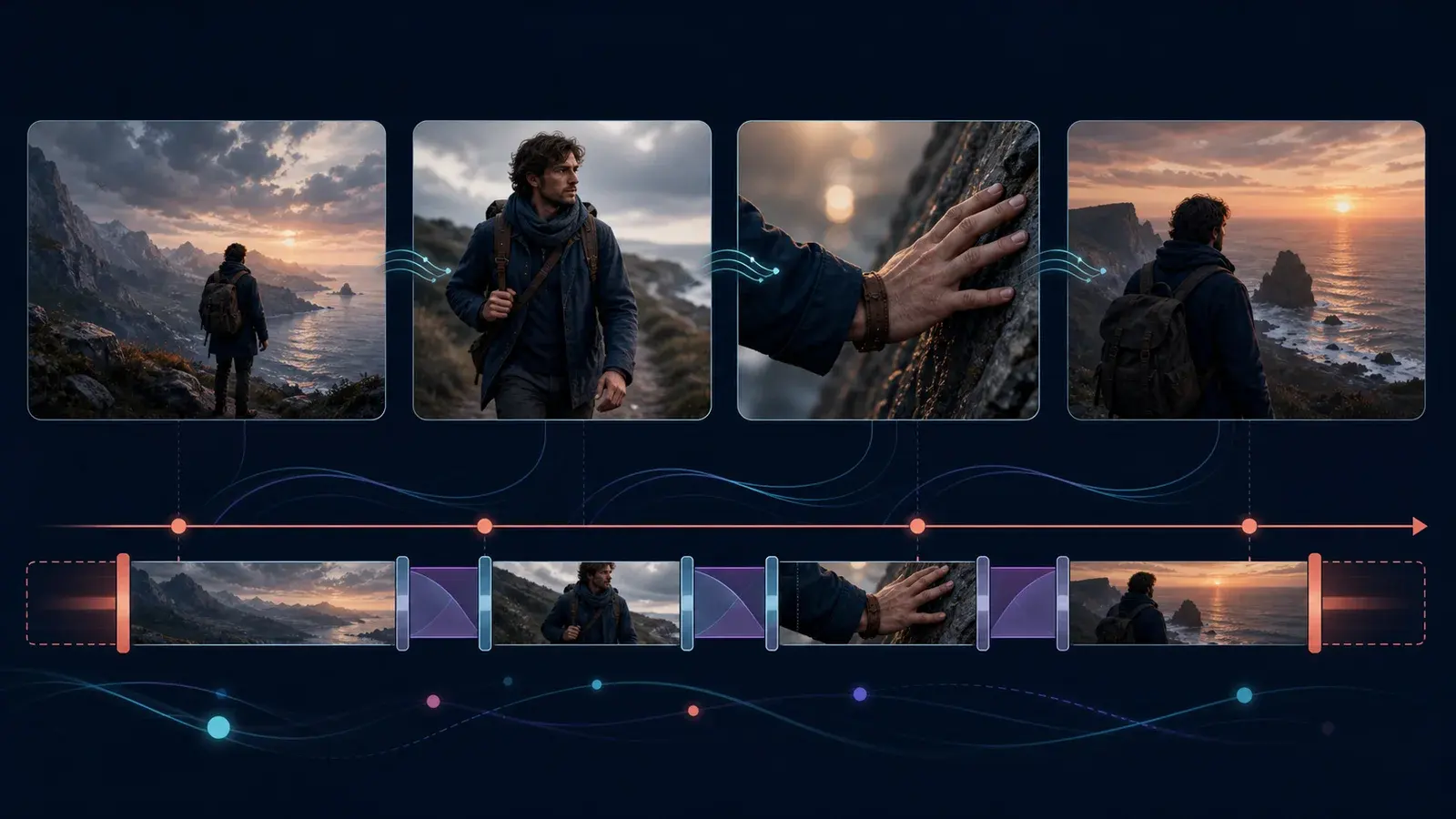
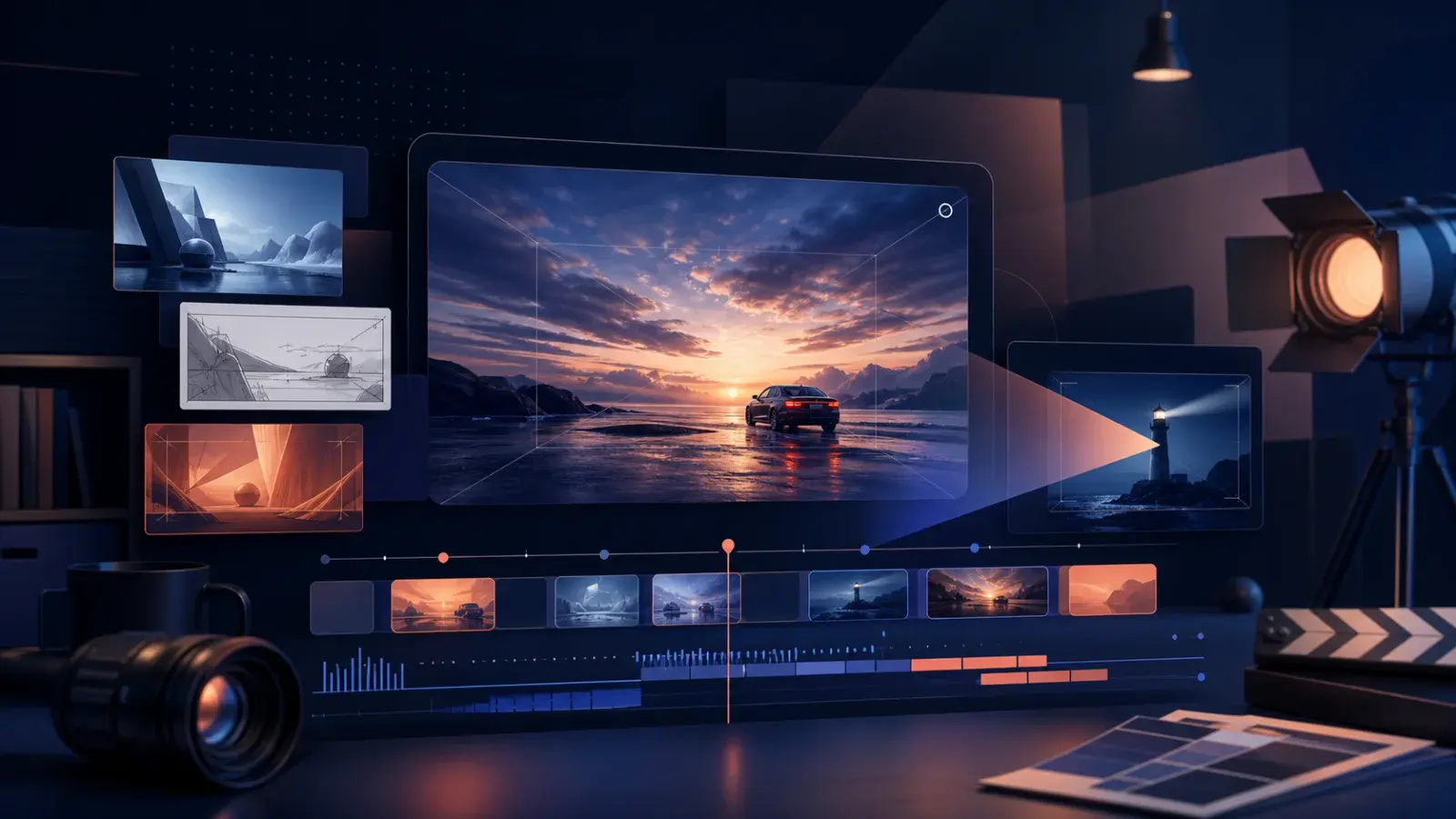
Video Creation: AI-generated music videos can be produced directly in the workspace.
These features are accessible without leaving the Space, eliminating the need to switch between different apps or sessions. This integration is a quality-of-life improvement that streamlines the creative process for musicians, producers, and hobbyists.
Workflow Implications and Practical Use Cases
The update positions Flow Music Spaces as a production tool rather than just a collaboration feature. Creators can:
Manage the entire creative process—from ideation to editing and publishing—within one interface.
Publish a Space, share it by link, and let the community remix it, as described in Google’s Spaces guide.
Build custom instruments or music apps using the vibe coding tool, now enhanced with integrated creative functions.
While Flow Music Spaces is not intended to replace professional digital audio workstations, it offers a robust set of AI-powered tools for:
Songwriters seeking quick ideation and editing
Producers working on collaborative projects
Hobbyists experimenting with music, lyrics, and visuals
Developers building music-related experiences
For more details on Flow’s general capabilities, see what is Google Flow and Google Flow models.
Limits and Considerations
Professional DAWs: Flow Music Spaces does not aim to replace advanced digital audio workstations. Its focus is on accessibility and integrated AI tools.
Subscription and credits: Google says core Flow Music features are available at no charge, while additional credits, generations, and newer models are tied to a Flow Music subscription or eligible Google AI plan. Check the official Flow Music plan and credits guide.
Device support: Google’s Spaces documentation currently lists Spaces as available on web and PC only. Check the official Spaces guide before planning a mobile workflow.
Getting Started with the Updated Spaces
To use the new features:
Open Google Flow Music and create or join a Space.
Access integrated tools for song editing, stem splitting, image and lyric generation, and video creation.
Collaborate with others or manage your project individually.
Monitor your Google Flow credits as needed (Google Flow credits guide).
For step-by-step instructions, see how to use Google Flow.
FAQs
What is the main advantage of the new Flow Music Spaces update?
The biggest advantage is the integration of multiple creative tools—song editing, stem splitting, image and lyric generation, and video creation—within a single workspace. This streamlines workflows and reduces the need to switch between apps. (Digital Trends)
Does Flow Music Spaces replace professional music software?
No. While the update makes Flow Music Spaces more useful for creators, it does not replace professional digital audio workstations. It is best suited for songwriters, producers, hobbyists, and developers seeking accessible AI-powered tools. (Digital Trends)
Are all features available to every user?
Access depends on the feature, device, and plan. Google currently lists Spaces as web and PC only. Core Flow Music features are available at no charge, while extra credits, generations, and newer models require an eligible plan. (Google Flow Music plan and credits)
How do I check my Google Flow credits?
In Google Flow Music, open your username menu and choose Account settings to manage the connected plan. Google documents plan access and ways to earn extra credits in its Flow Music plan and credits guide.
Where can I learn more about Google Flow Music Spaces?
Start with Google’s official guides for Spaces, songs, and music videos. The July update is reported by Digital Trends.
Conclusion
The July 2026 update to Google Flow Music Spaces marks a significant shift, offering creators a unified workspace for AI-powered music production. By integrating song editing, stem splitting, image and lyric generation, and video creation, Flow Music Spaces becomes a versatile tool for musicians, producers, hobbyists, and developers. Users should review their subscription and credit status to access all features and consult official documentation for the latest supported capabilities.
Sources and verification
Sources support product facts; editorial judgment remains FlowTool's own. Links were last checked on the date shown above.
- Google Flow Music Spaces is becoming an all-in-one AI music studio - Digital TrendsSupports claims about the July 2026 update, new integrated features, and workflow implications.
- Google Flow HelpConfirms that Google Flow Music has dedicated product documentation and links to its feature-specific help guides.
- Create & manage spaces in Google Flow MusicDocuments how Spaces are built, published, shared, deleted, and remixed, plus current device availability.
- Create & manage songs in Google Flow MusicDocuments song generation, editing, composition changes, remix tools, sharing, and downloads.
- Create & manage music videos in Google Flow MusicDocuments music-video creation, model selection, references, sharing, downloads, and deletion.
- Manage your AI credits & Google Flow Music subscription planDocuments free core access, paid plan relationships, account settings, and ways to earn extra AI credits.
Frequently asked questions
What is the main advantage of the new Flow Music Spaces update?
The integration of song editing, stem splitting, image and lyric generation, and video creation within a single workspace streamlines creative workflows. (Digital Trends)
Does Flow Music Spaces replace professional music software?
No. Flow Music Spaces offers accessible AI-powered tools but does not replace professional digital audio workstations. (Digital Trends)
Are all features available to every user?
Access depends on the feature, device, and plan. Google currently lists Spaces as web and PC only. Core features are available at no charge; extra credits, generations, and newer models require an eligible plan.
How do I check my Google Flow credits?
Open your username menu in Google Flow Music and choose Account settings. Google’s Flow Music plan guide also explains plan access and ways to earn extra credits.
Where can I learn more about Google Flow Music Spaces?
Use Google’s dedicated help guides for Spaces, songs, music videos, and Flow Music plans. Digital Trends reported the July 2026 integrated-workspace update.
Visible FAQ is provided for readers. FlowTool does not promise FAQ rich results.
Continue with FlowTool
Build a clearer Google Flow workflow.
Use the beginner workflow, then choose a prompt template or compare alternatives based on your actual constraints.
Open the beginner tutorial