
Google Flow AI guides, pricing & troubleshooting.
Understand Google Flow, choose a plan, estimate credits, learn current features, fix common problems and compare alternatives with source-linked answers checked for freshness.
Independent resource. Not affiliated with or endorsed by Google.
Start with your question
Six high-demand Google Flow search intents
What is Google Flow?
Understand the product, workflow and core concepts.
How to use Google Flow
Go from a new project to a reviewed and saved output.
Google Flow pricing
Review access, plans and time-sensitive pricing evidence.
Credits and resets
Check current allocations, generation costs and refresh rules.
Countries and access
Confirm language, country, age and feature restrictions.
Flow not working?
Diagnose access, credit, model and generation failures.
Independent answers, current evidence
From first question to working creative workflow.
Google Flow is a project-based AI creative studio for generating and editing video and images. FlowTool covers the full user journey: access, free and paid credits, models, prompts, Agent, Scenebuilder, errors, exports and alternatives.
Every page is mapped to a distinct user task. We consolidate spelling variants and related questions instead of creating thin pages for every keyword.
Source-linked facts
Important claims point to official or clearly identified public sources.
Dated changing facts
Credits, models, access and pricing show when their official sources were checked.
Honest evidence labels
Prompt templates and comparisons never imply testing that did not happen.
Start here
Google Flow access, pricing, credits and models.
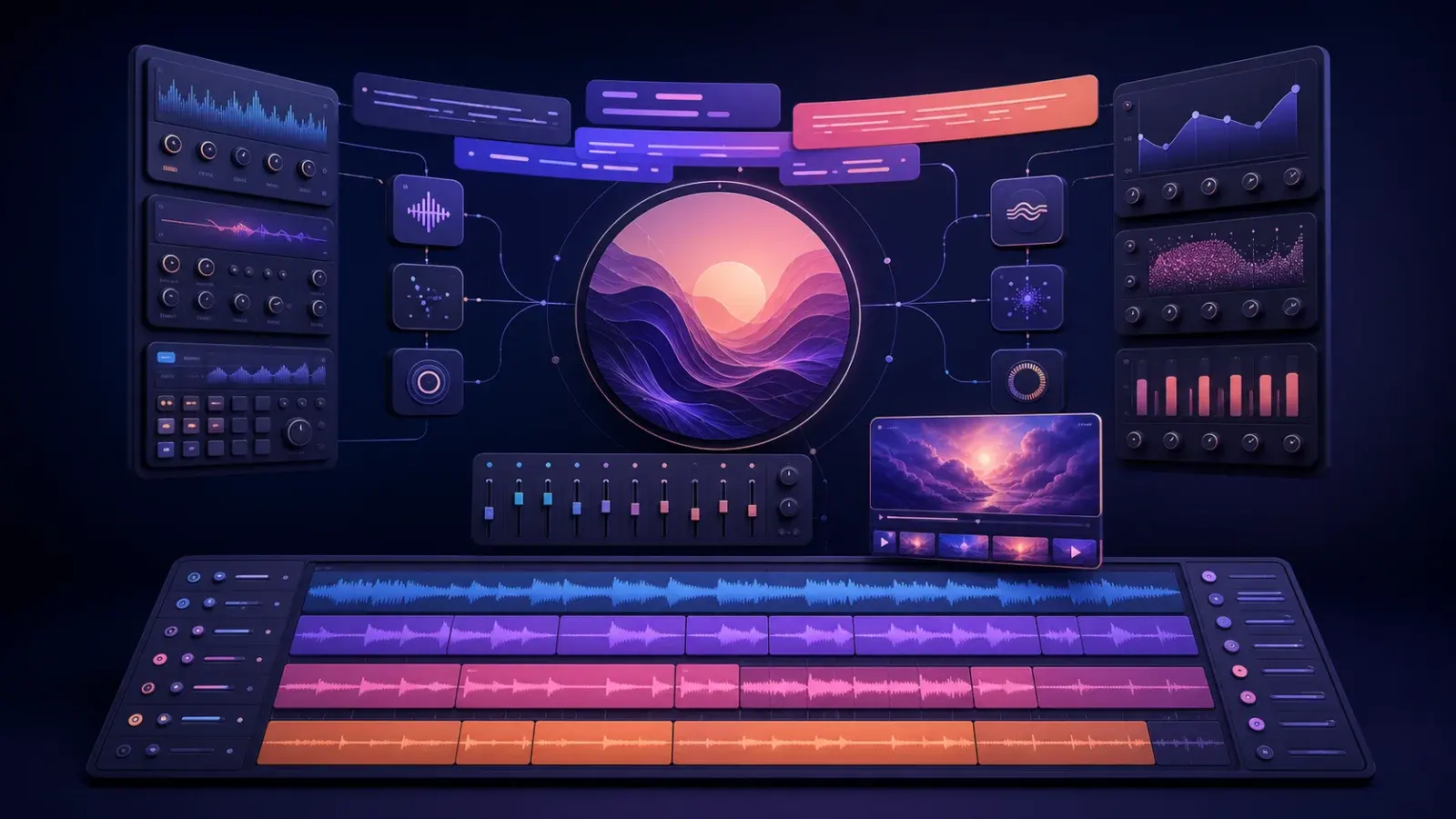
Google Flow Music Spaces: All-in-One AI Music Studio Update Explained
Google Flow Music Spaces now offers integrated AI-powered tools for song editing, stem splitting, image and lyric generation, and video creation—all within a single workspace. Learn what’s new, how it works, and what it means for creators.

Can Google Flow Create Cinematic Videos? A Practical Review
This guide explores Google Flow's ability to generate cinematic videos, based on a PCMag review and official Google documentation. Learn how to select models, craft prompts, and manage credits for cinematic results, including practical limitations and workflow tips.
What Is Google Flow? Google’s AI Creative Studio Explained
Understand what Google Flow is, how it differs from Veo, and which video, image and project tools it currently brings together.
Google Flow Pricing: Free Access, Plans and Credits
Compare current free access and Google AI plan credit allocations without confusing plan price, credit balance and generation cost.
Current workflows
Learn a feature, then solve the next task.

How to Create Consistent Characters in Google Flow
Create a reusable Google Flow character from reference images, assign a voice and call the same identity into new image and video generations.
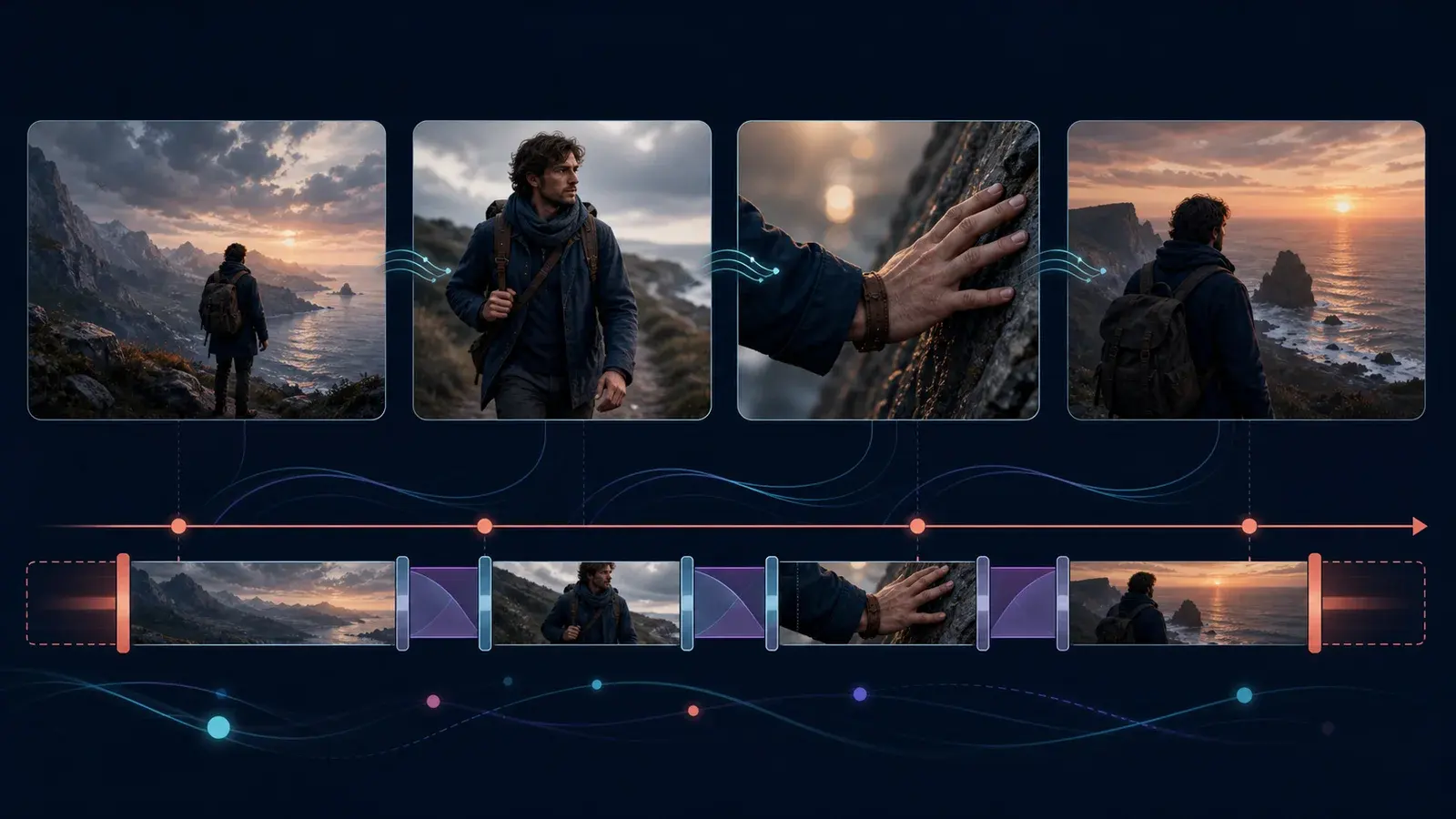
Google Flow Scenebuilder and Storyboard Workflow
Plan shots, extend selected clips, arrange and trim them in Google Flow Scenebuilder, preserve continuity and download one finished scene.

How to Use Google Flow: A Current Beginner Workflow
Follow the current Google Flow path from access and project setup to model selection, generation, review, organization and export.
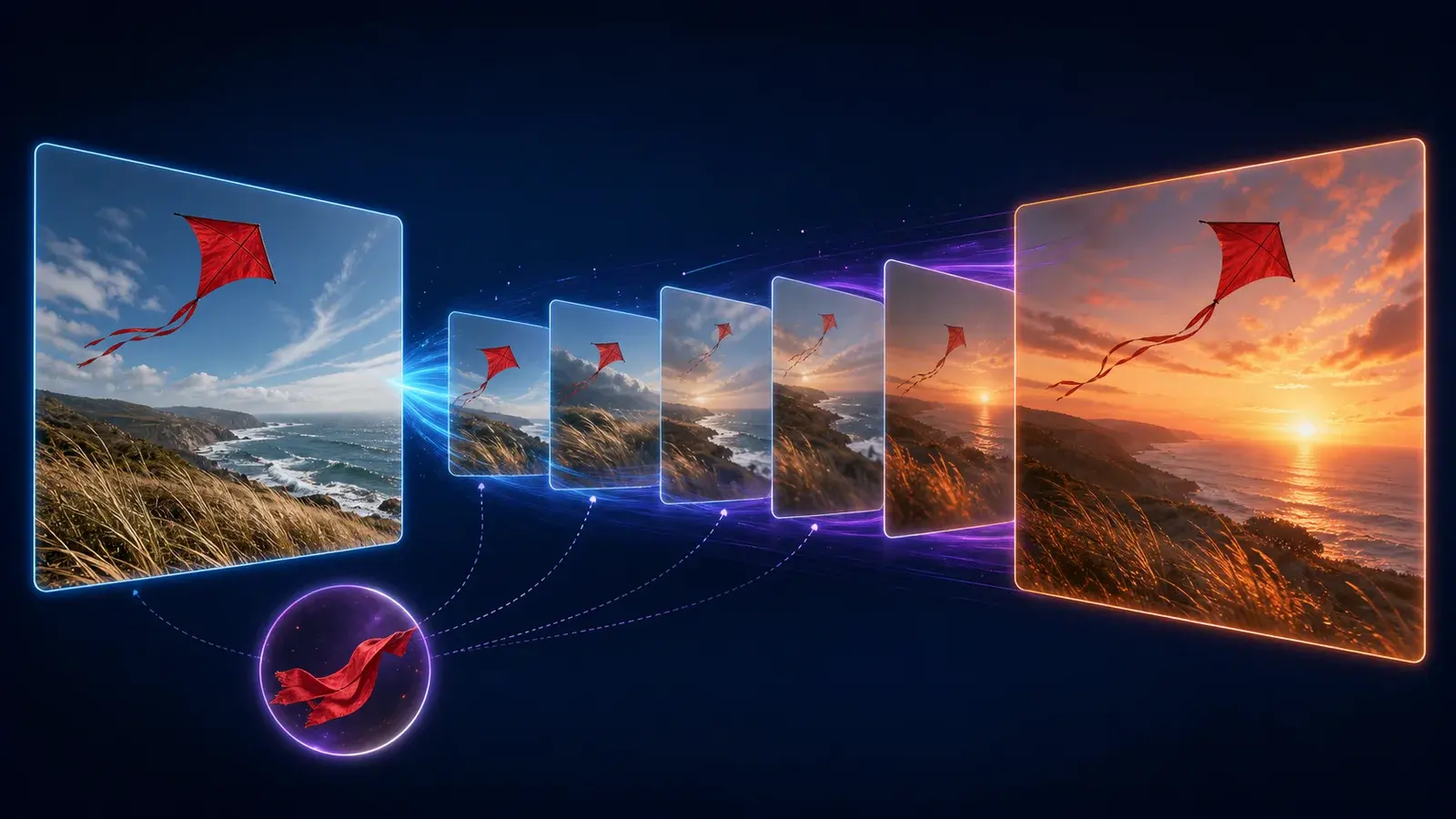
Google Flow Image to Video: Frames and Ingredients Guide
Turn an image into a Google Flow video with a start frame, first-and-last transition or reusable visual ingredient.

How to Use Google Flow Agent for Prompts and Projects
Use the built-in Flow Agent to brainstorm, generate, edit and organize media while controlling credit-spending actions.
Popular prompts
Structured starting points, clearly labeled.
Google Flow Prompts: 15 Structured Video Templates
Copy and adapt 15 structured Google Flow prompt templates for cinematic shots, products, characters, transitions and short-form video.
Comparisons
Choose by constraints, not empty winners.
Best Google Flow Alternatives: A Neutral 2026 Shortlist
Compare Google Flow with Runway, Adobe Firefly, Kling AI and Luma by product shape, workflow and decision criteria.
FAQ
Before you rely on FlowTool
What is Google Flow?
Google Flow is Google’s project-based AI creative studio for generating and editing video and images with supported models, references, assets and scene tools.
Is Google Flow free?
Google currently documents 50 free Flow credits per day for users without a Google AI subscription. Limits and supported models can change.
Is FlowTool part of Google?
No. FlowTool is an independent editorial resource and is not affiliated with or endorsed by Google.
Are FlowTool prompts tested?
Prompt pages display a verification label. Unless saved testing evidence exists, templates are clearly marked as not independently output-tested.
How often is time-sensitive information checked?
Pricing, credits, access, regions and model pages display a last-verified date and link to supporting official or public sources.