Overview: Google Flow and Cinematic Video Generation
Google Flow is an AI-powered video generation platform that allows users to create videos from text prompts, images, or existing video clips. Recent coverage by PCMag highlights its potential for cinematic video creation, offering practical insights into workflow, model selection, and prompt engineering. Official Google documentation provides further details on supported features, models, and credit usage (Google Flow Help, Learn about Google Flow models & supported features).
Model Selection and Features
Google Flow supports several AI models, each with unique capabilities:
Veo Lite, Veo Fast, Veo Quality: These models offer varying levels of quality and credit consumption. Veo Lite and Fast are suitable for quick drafts, while Veo Quality is recommended for videos intended for sharing or publication (PCMag).
Gemini Omni Flash: Available to all users, this model supports 10s video clips, advanced editing, and custom voice generation (Google Flow Help).
Official documentation confirms that users can generate videos from text prompts, frames, or ingredients, with support for advanced character/avatar and audio references. Video-to-video editing and extension features are available for certain models and durations (Learn about Google Flow models & supported features).
For a detailed breakdown of models and features, see Google Flow models.
Crafting Cinematic Prompts
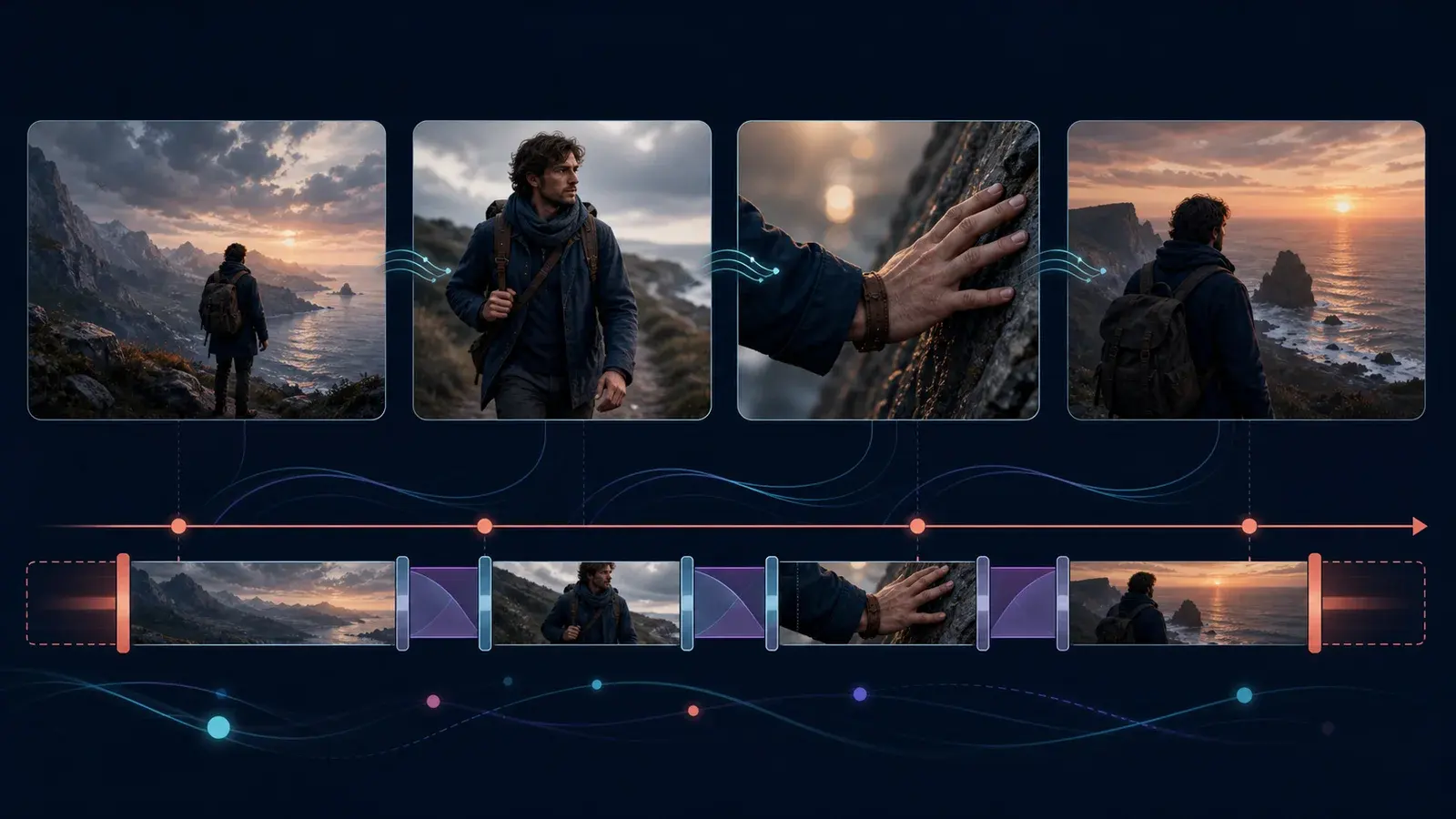
PCMag's review emphasizes the importance of prompt quality in achieving cinematic results. Users can describe scenes in detail, specifying visual style, mood, camera movement, and character actions. For example, a prompt might request "a photorealistic and cinematic video capturing a tense, epic aerial battle," with further details about characters and camera angles.
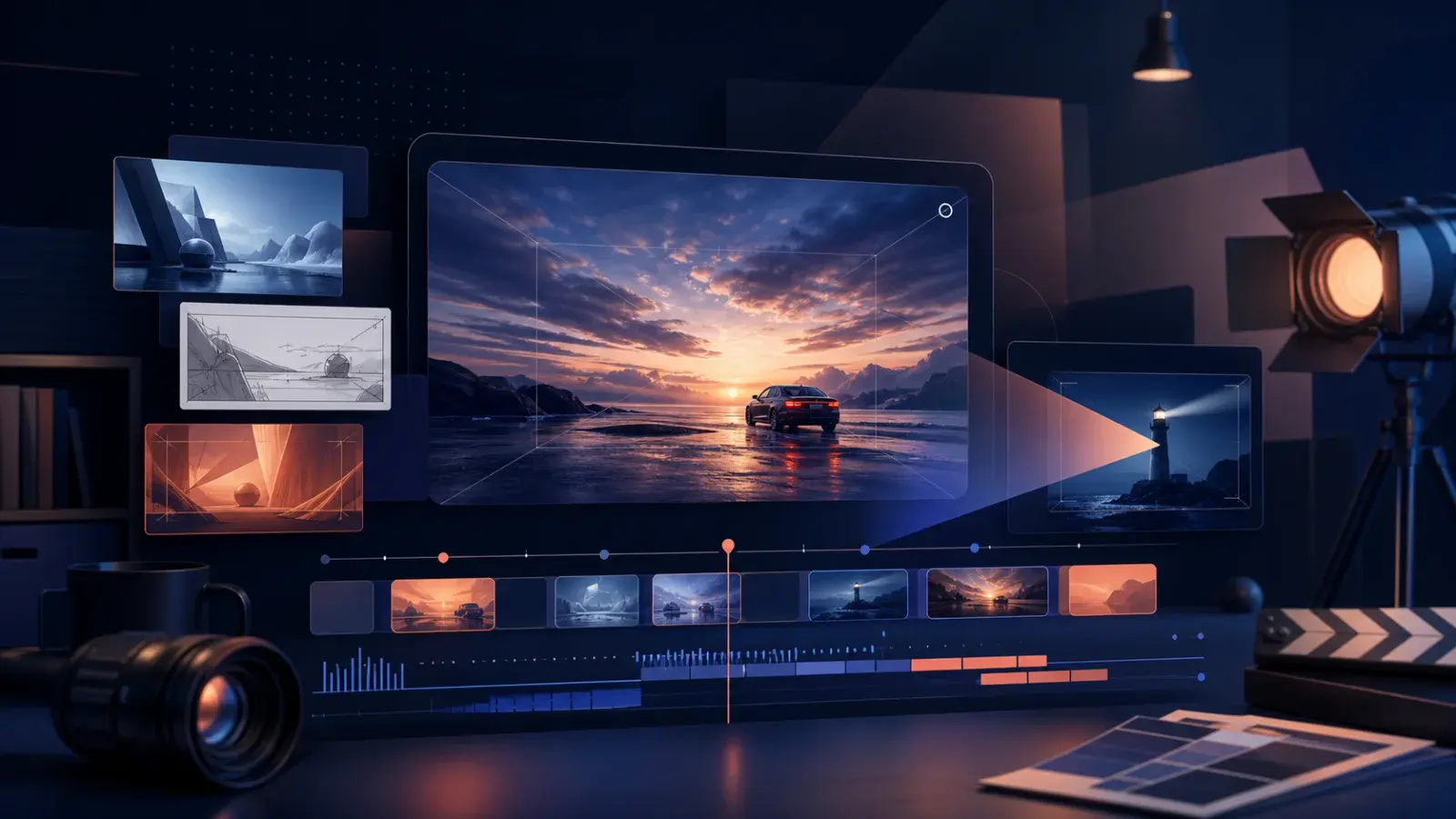
AI chatbots like Gemini or ChatGPT can assist in generating complex prompts based on user input. After submitting a prompt, Google Flow processes the description and generates a video, which can be previewed and edited within the platform (PCMag).
For more prompt strategies, visit Google Flow prompts.
Credit Management and Practical Limits
Generating cinematic videos in Google Flow requires credits, with costs varying by model and generation type. Official documentation outlines credit allowances per subscription tier:
Free users: 50 credits per day
Google AI Plus: 200 credits/month
Google AI Pro: 1,000 credits/month
Google AI Ultra: 10,000–25,000 credits/month (Manage your Google Flow credits)
Credit costs per generation depend on the model and video length. For example, Veo 3.1 Lite, Fast, and Quality models have different requirements for 4s, 6s, 8s, and 10s videos. Some features, like 4K upscaling, are exclusive to Ultra subscribers. Users should monitor their credit usage and select models strategically to maximize output quality within their credit limits (Manage your Google Flow credits).
For more on pricing and credits, see Google Flow pricing and Google Flow credits.
Workflow Tips and Practical Implications
Based on PCMag's experience:
Start with Veo Lite or Fast for drafts to conserve credits.
Use Veo Quality for final versions intended for sharing.
Experiment with prompt details to achieve desired cinematic effects.
Consider using AI chatbots to refine prompts.
Manage credits carefully, especially when generating longer or higher-quality videos.
While Google Flow's output may not match professional filmmaking standards, it provides accessible tools for creative experimentation. Users can create dramatic, photorealistic scenes, edit videos, and leverage advanced features for character and audio customization. However, limitations exist in video length, model support, and feature availability, as documented in official sources.
For troubleshooting and advanced workflows, see How to use Google Flow and Google Flow not working.
Next Steps and FAQs
Review official documentation for model and feature availability.
Experiment with prompt engineering for cinematic results.
Monitor credit usage and upgrade plans as needed.
Explore editing and extension features for refining videos.
Internal Links
Conclusion
Google Flow offers robust AI-driven tools for cinematic video generation, as demonstrated in PCMag's review and supported by official documentation. By understanding model selection, prompt engineering, and credit management, users can maximize their creative output and explore new possibilities in AI video creation.
Sources and verification
Sources support product facts; editorial judgment remains FlowTool's own. Links were last checked on the date shown above.
- Can AI Create a Cinematic Masterpiece? I Took Google Flow For a Spin to Find Out | PCMagSupports claims about practical workflow, prompt engineering, model selection, and user experience in creating cinematic videos with Google Flow.
- Learn about Google Flow models & supported features - Google Flow HelpDocuments available models, features, and video generation capabilities in Google Flow.
- Manage your Google Flow credits - Computer - Google Flow HelpDetails credit requirements, subscription tiers, and credit costs for video generation in Google Flow.
Frequently asked questions
Can Google Flow create cinematic videos?
Yes. According to PCMag's review, Google Flow can generate cinematic-style videos using detailed prompts and advanced models like Veo Quality. Official documentation confirms support for text-to-video and video editing features.
Which models should I use for cinematic video generation?
Veo Lite and Veo Fast are suitable for drafts, while Veo Quality is recommended for high-quality, cinematic videos. Gemini Omni Flash also supports advanced editing and longer clips. See official documentation for model details.
How many credits are required to generate cinematic videos?
Credit costs vary by model and video length. Veo Quality requires more credits than Lite or Fast. Official documentation provides detailed credit requirements per generation and subscription tier.
What are the practical limits of Google Flow's cinematic video generation?
Limits include video length, model support, and feature availability. For example, 4K upscaling is exclusive to Ultra subscribers, and some editing features are model-dependent. See official documentation for specifics.
Visible FAQ is provided for readers. FlowTool does not promise FAQ rich results.
Continue with FlowTool
Build a clearer Google Flow workflow.
Use the beginner workflow, then choose a prompt template or compare alternatives based on your actual constraints.
Open the beginner tutorial